Capture
Receive the agreed group of scan records with the device, campus location and time.
 School & Campus Operations
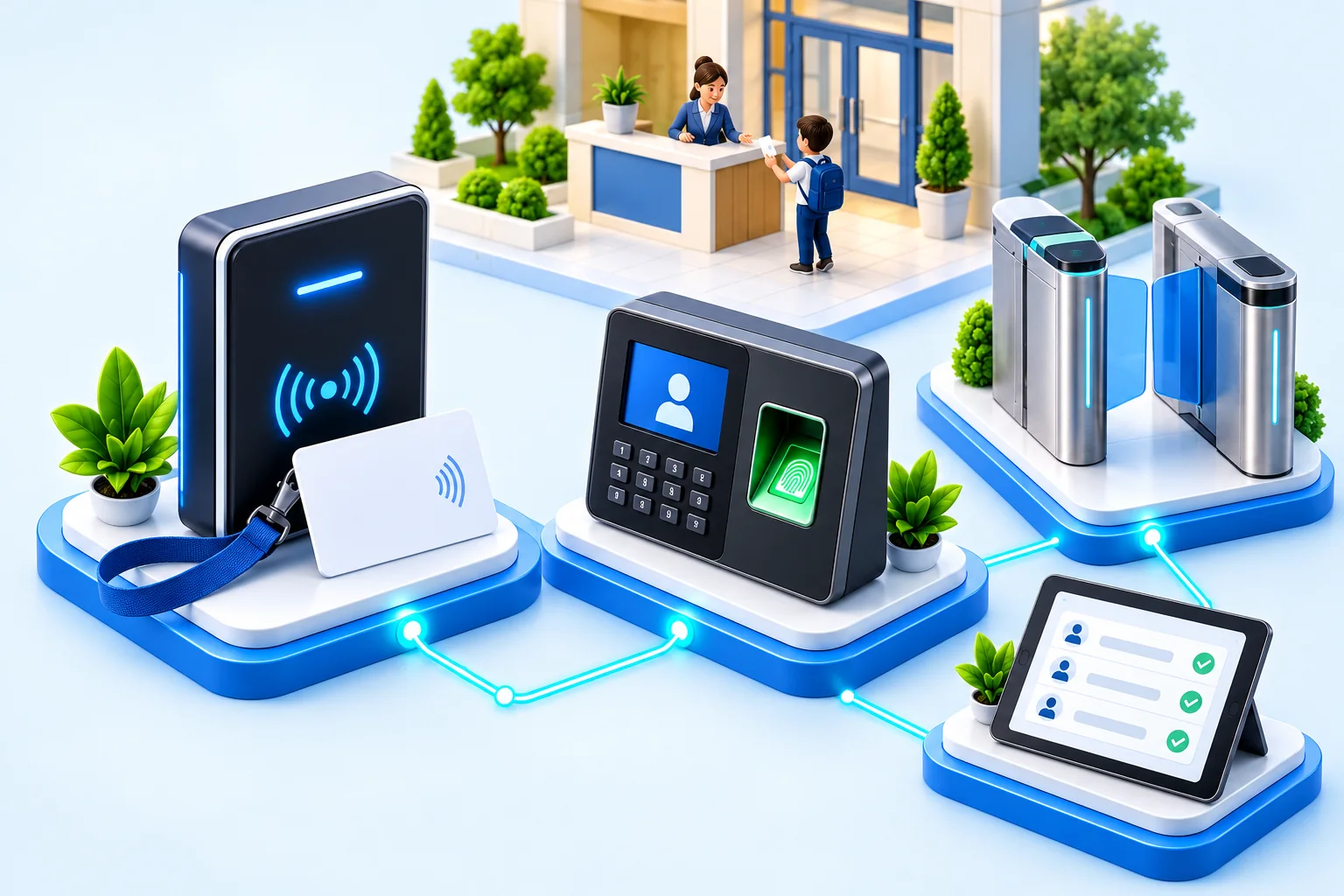
One duplicate or missing attendance scan can become a register dispute, a family call and another task for the teacher. Connect your selected card/tag readers (RFID) or biometric devices to an attendance process staff can check—not a stream of events accepted without question.
Your separately ordered integration combines agreed rules for matching people and repeated scans, staff responsibility for uncertain events and accepted attendance records. It is configured, tested and accepted before your agreed launch.
Each step has a purpose: receive the event, check its context, resolve uncertainty and retain the decision.
Receive the agreed group of scan records with the device, campus location and time.
Check that scans match the correct people, times are valid, repeated scans are identified and the device is working.
Route uncertain or conflicting entries to the authorised operator.
Update attendance from accepted events under your institution’s rules.
Keep the reason, reviewer and result so staff can check the record later.
Problem
A second event may be a duplicate, an exit, or a valid correction.
Agree when repeated scans count as duplicates, and send uncertain sequences to an authorised staff member.
Problem
Late batches can change a class record after teachers have acted on it.
Record when each scan happened separately from when the device uploaded it. Agree who reviews late uploads before attendance changes.
Problem
A card or device identifier may no longer match the correct active student or staff member.
Keep uncertain identities out of the official attendance record until an authorised staff member resolves them.
The checks agreed for acceptance cover the people, devices and failures included in your order—so staff know what to do when a scan cannot be trusted.
Attendance-device integration is commissioned separately from the base ERP subscription. Your order names the selected models, how they connect, the delivery schedule and the checks required for acceptance. Hardware, installation, network and provider responsibilities are agreed before work begins.
We agree what data is needed for the selected use. Connecting a biometric terminal does not by itself require BCO to store biometric templates—the saved patterns a device uses to recognise a person. Read the Connected Campus buyer questions.